
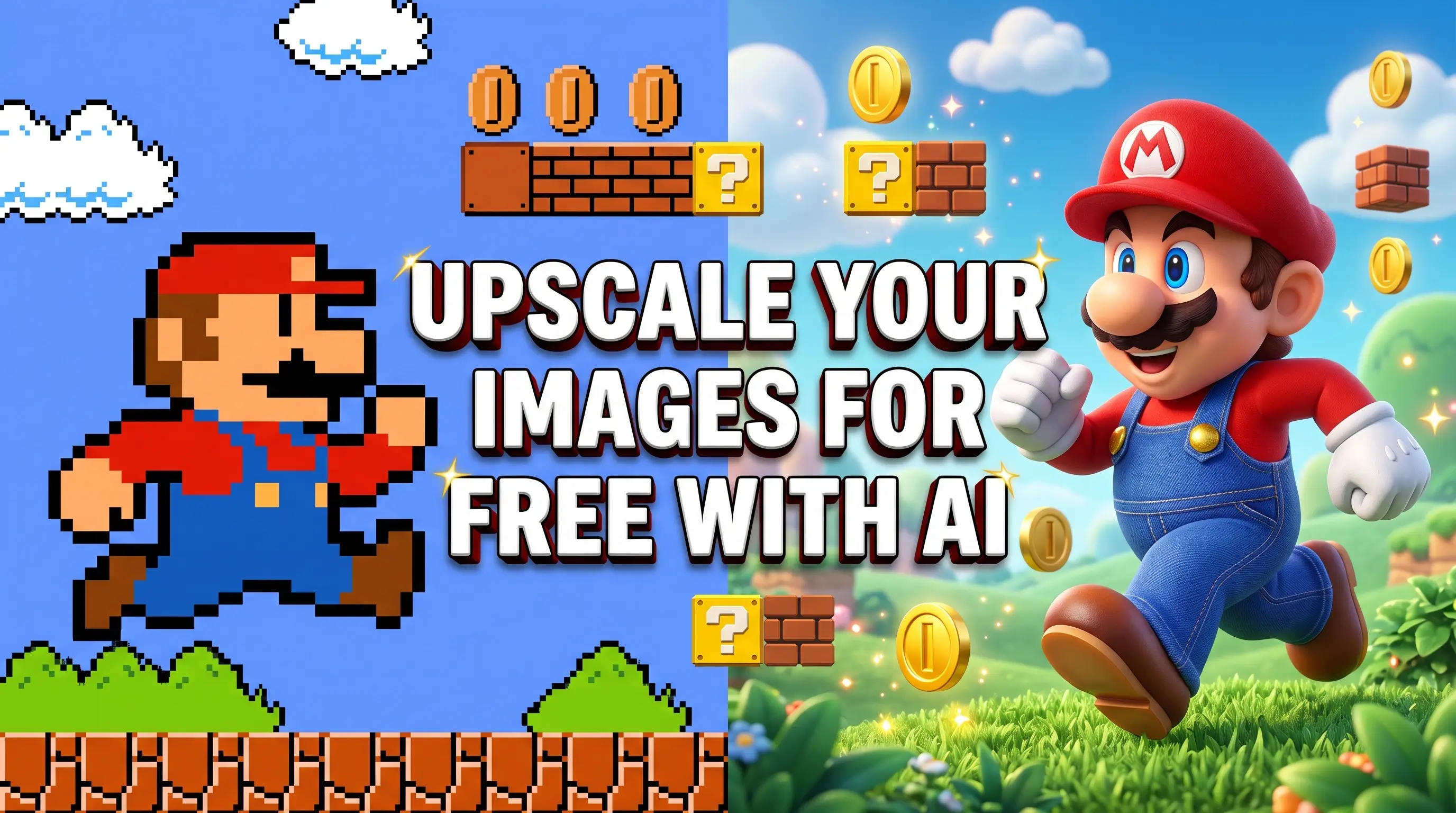
Upscayl: Free Open-Source Alternative to Topaz Gigapixel
TL;DR: Upscayl is a free, open-source app that upscales images with AI on your own graphics card. It replaces subscription upscalers like Topaz Gigapixel ($149 a year) and the upscaling inside a $22.99 a month Photoshop plan, and it never uploads your photos anywhere. The one catch is that it needs a Vulkan-capable GPU.
A few years ago, "make this photo bigger and sharper" meant either a bad Photoshop job or a big invoice. The AI upscalers that fixed that all went subscription in the end. Topaz Gigapixel, once a one-time purchase, is now a yearly plan starting at $149. Adobe put Super Resolution behind a $22.99 a month Photoshop subscription. The web upscalers charge by the image and want your files on their servers first.
Upscayl is the free way through all of that. It is a desktop app for Windows, macOS and Linux that runs the upscaling models on your own machine, which means no subscription, no account, no per-image credits, and no upload of the picture you are working on.
What Upscayl actually is
Upscayl is a front end for the Real-ESRGAN research models, wrapped in a simple interface that anyone can use. You pick a folder, choose a model, choose a scale, and press a button. The heavy lifting happens on your GPU through NCNN and Vulkan.
Under the hood it is an Electron app built by Nayam Amarshe and TGS963, released under the AGPL-3.0 licence, with the command-line version published separately as upscayl-ncnn for people who want to script it.
The project is not obscure. It has around 50,000 stars on GitHub and 2,500 forks, which is roughly what you would expect for the tool that became the default free answer to this problem.
Why people are leaving the paid upscalers
The price of the paid options is the whole story:
- Topaz Gigapixel Personal is $149 a year billed annually, or $29 a month with no commitment. The Pro licence that allows unrestricted commercial use is $499 a year.
- Adobe's Super Resolution lives inside Photoshop, which is $22.99 a month on the single-app plan. There is no way to buy that feature by itself, and no way to buy it once.
- Magnific AI, the cloud upscaler that gets compared to everything, starts at $14.50 a month billed annually and meters your work in credits.
None of those are unreasonable products. The problem is what they charge for: resolution, which is a one-off task that most people need a few times a year, priced as a subscription that bills every month whether you use it or not.
How they compare
| Tool | Cost | Runs locally | Account needed | Upload required | Licence |
|---|---|---|---|---|---|
| Topaz Gigapixel | From $149/yr | Yes, while subscribed | Yes | No | Proprietary |
| Photoshop Super Resolution | $22.99/mo | Inside Photoshop | Yes | No | Proprietary |
| Magnific AI | From $14.50/mo | No, cloud only | Yes | Yes | Proprietary |
| Upscayl | Free | Yes, fully offline | No | No | AGPL-3.0 |
Upscayl sits at the bottom because it is not competing on model quality alone. It wins on the two things the rows above cannot fix: it costs nothing, and there is no server in the middle. If the axis you care about is "can I do this without telling anyone about my images," it is the only row that answers yes.
The privacy part is not marketing
The phrase "runs locally" gets used loosely, so here is what it means with Upscayl. The image file never leaves the computer. There is no login, no upload step, no cloud queue, and nothing to accept in a terms of service about how your pictures are stored or used. Pull the network cable out and it still works.
That matters more than people expect. Client work under an NDA, photos of your kids, medical scans, unreleased product shots, scans of old family photographs that someone else might not be comfortable with: none of those should be sitting in a web tool's storage bucket because someone needed a print. For anyone handling other people's images professionally, that alone removes the tool from the risk register.
There is also the quieter benefit. A one-off upscaling job does not turn into a recurring charge, and there is no credit balance to watch, so you can run a folder of 300 photos without doing arithmetic first.
What it does well
- Scale of 2x, 3x or 4x per pass, with Double Upscayl chaining two passes to reach 16x.
- Several models to choose from: General for everyday photos, High Fidelity for anime and illustration, Remacri and UltraSharp for photographic detail, Fast for quick previews. You can also import custom ESRGAN models.
- Batch processing, so a whole shoot goes through in one run.
- Output as PNG, JPG or WebP, with the option to carry over the original metadata.
- Real installers everywhere: .exe on Windows, .dmg on macOS, AppImage, deb, rpm, Flatpak or Snap on Linux.
The catch
Upscayl needs a Vulkan-capable GPU. That is the honest limitation, and it is the reason the tool is not for everyone. Most integrated graphics will not run it, and there is no CPU fallback mode. If your laptop cannot clear that bar, a browser upscaler is the practical alternative, with the trade-off that your image goes to their server.
The second thing to know is what upscaling cannot do. It rebuilds detail and resolution. It does not fix focus. If a photo is blurred or badly out of focus, Upscayl will make it a bigger blurry photo, and no amount of AI will change that. It works best on images that are pixelated or low-resolution rather than soft.
Getting it
Download the installer for your system from the releases page on GitHub or from upscayl.org. On Windows it is a single .exe; SmartScreen may warn about an unverified publisher, which you can click through. On macOS it is a .dmg, or brew install --cask upscayl. On Linux, the Flatpak and Snap builds are usually in your distro's store.
Once it is open, the workflow is three steps: pick the images, pick a model, pick the scale. Start with General at 4x and adjust from there. If you are printing something small at a large size, turn on Double Upscayl and accept the extra processing time.
When you should still pay
If you need commercial use beyond what a personal licence allows, work on video as well as stills, or want the extra face-recovery and noise models that Topaz has spent years on, paying for Topaz is a fair call. It is also the better tool when your machine cannot run Vulkan at all.
For everyone else, the free option is genuinely good enough. Low-resolution photos, old scans, thumbnails that need to become prints: this is the job Upscayl was built for, and it does it without a monthly fee or a stranger holding your files.
Related tools
Upscayl is also catalogued in our directory with the key facts in one place. If you also need editing alongside the upscaling, Photopea runs a Photoshop-like editor in the browser for free, and if you want another local, privacy-first image job done, we covered free background removal with RMBG-2.