Find Free Alternatives to Popular Paid Software
Tired of costly subscriptions? Explore FreeAlternatives.Net for a comprehensive directory of free alternatives to the most popular paid software and services.
LibreOffice Draw
Free open-source vector drawing tool integrated with the LibreOffice suite. Great for diagrams, flowcharts and basic vector illustrations.
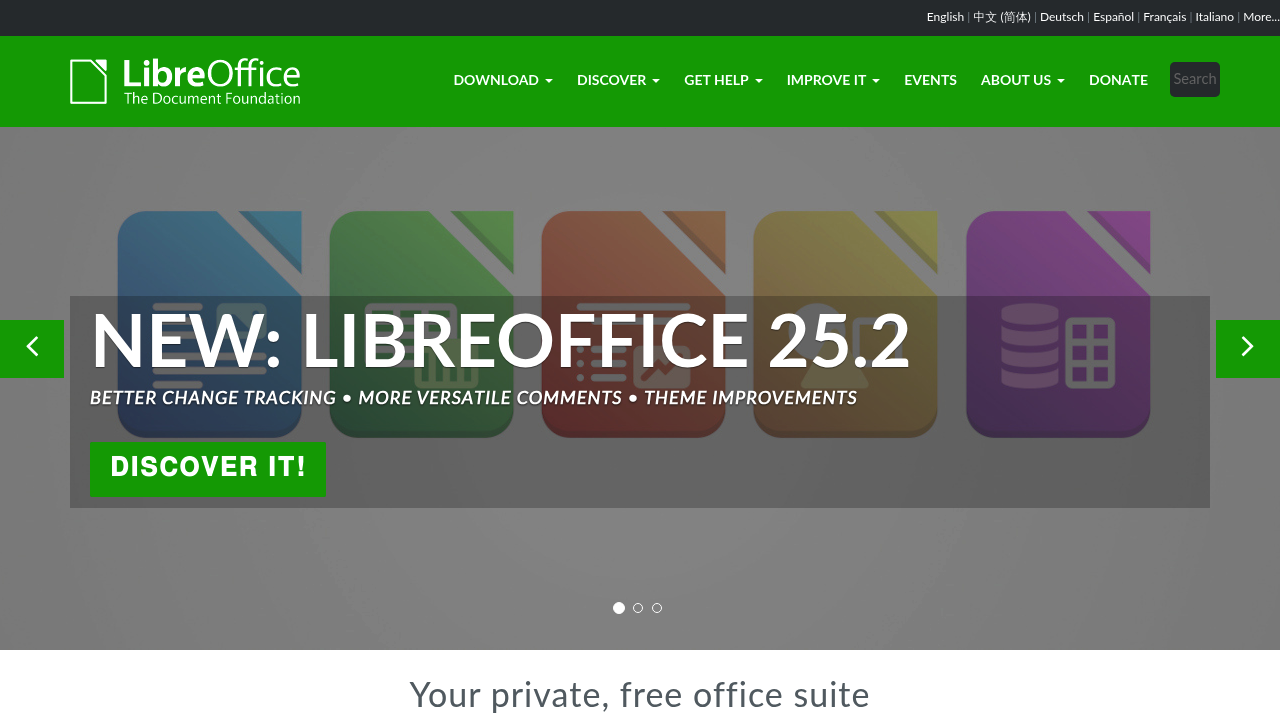
LibreOffice Draw: The Free Vector Graphics Tool for Practical Design Needs
For users seeking a free alternative to Adobe Illustrator with a focus on practical vector graphics, LibreOffice Draw offers a capable solution as part of the comprehensive LibreOffice suite. This open-source tool provides essential vector capabilities for diagrams, flowcharts, technical drawings, and basic illustrations.
Practical Vector Tools for Everyday Needs
LibreOffice Draw includes a focused set of vector capabilities:
- Shape Creation: Standard geometric shapes with customizable properties
- Drawing Tools: Freehand lines, curves, and polygons
- Connectors: Smart connection lines for flowcharts and diagrams
- Grouping and Alignment: Organize and precisely position elements
- Text Handling: Add and format text within vector objects
- 3D Objects: Create and modify basic three-dimensional shapes
- Layer Management: Organize complex drawings with multiple layers
- Dimension Lines: Add measurements to technical drawings
- Import/Export Options: Support for SVG, PDF, and various image formats
Ideal for Practical Vector Applications
LibreOffice Draw excels at helping you create:
- Flowcharts and Diagrams: Visualize processes and relationships
- Organizational Charts: Represent hierarchical structures
- Floor Plans and Layouts: Design basic spatial arrangements
- Technical Illustrations: Create instructional graphics
- Posters and Flyers: Develop simple marketing materials
- Basic Logos and Graphics: Design straightforward vector elements
Why Choose LibreOffice Draw?
For many practical design needs, LibreOffice Draw offers distinct advantages:
- Completely Free: Part of the LibreOffice suite at no cost
- Open Source: Community-driven development and support
- Cross-Platform: Available for Windows, macOS, and Linux
- Integration: Works seamlessly with other LibreOffice applications
- Familiar Interface: Similar to traditional office applications
- Low Resource Requirements: Runs efficiently on older hardware
Perfect for Practical Users
LibreOffice Draw is particularly valuable for:
- Small Business Owners: Create basic marketing materials and diagrams
- Students and Educators: Develop visual learning resources
- Office Workers: Design presentations and visual aids
- Technical Professionals: Create diagrams and simple technical drawings
- Non-Profit Organizations: Produce materials without software costs
Limitations to Consider
As a free alternative to Adobe Illustrator, LibreOffice Draw has some differences:
- Artistic Focus: More oriented toward practical graphics than artistic illustration
- Advanced Features: Fewer specialized creative tools compared to dedicated vector editors
- User Interface: More traditional office-style interface rather than modern design layout
Part of a Complete Office Suite
One of LibreOffice Draw's greatest strengths is its integration with the broader LibreOffice suite. This allows you to easily:
- Insert vector graphics into Writer documents
- Add diagrams to Impress presentations
- Create charts that complement Calc spreadsheets
- Maintain a consistent workflow across multiple document types
Start Creating with LibreOffice Draw Today
Whether you need to create diagrams, simple illustrations, or technical drawings, LibreOffice Draw provides a capable free alternative to Adobe Illustrator for practical vector needs. As part of the comprehensive LibreOffice suite, it offers excellent value for individuals and organizations seeking cost-effective design solutions.
Download the LibreOffice suite today and discover how LibreOffice Draw can meet your practical vector graphics needs without the expense of proprietary software!