Inkscape
Professional open-source vector graphics editor with comprehensive features for logos, illustrations and technical drawings. Supports SVG format natively.
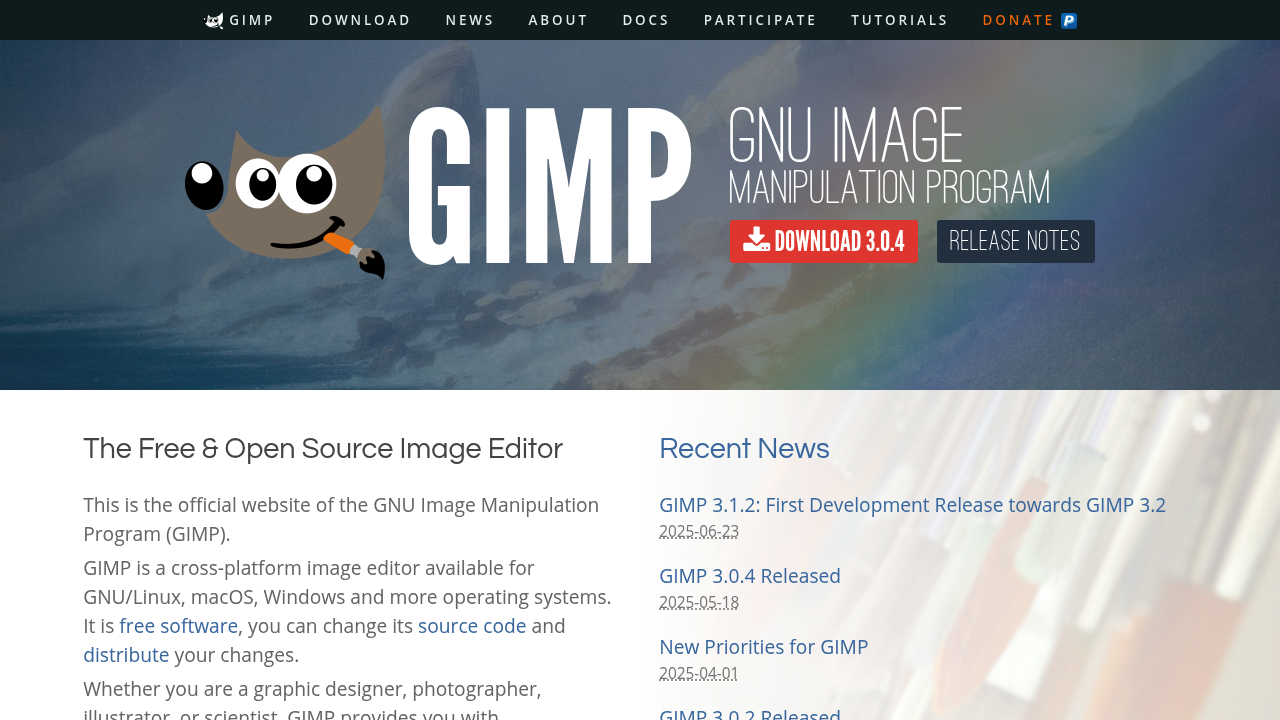
Powerful open-source image editor with basic vector capabilities through paths. Great for combining raster and vector elements in graphic design projects.
While GIMP (GNU Image Manipulation Program) is primarily known as a powerful free alternative to Photoshop, many users don't realize it also offers vector functionality that can substitute for some Adobe Illustrator tasks.
GIMP provides several vector-based tools and features:
GIMP is particularly valuable for projects that combine raster and vector elements:
While GIMP can handle basic vector tasks, it's important to understand its limitations compared to dedicated vector editors like Adobe Illustrator or Inkscape:
To maximize GIMP's vector potential:
For designers who primarily work with raster graphics but occasionally need vector functionality, GIMP offers a convenient "all-in-one" solution. Instead of switching between multiple applications, you can accomplish many vector tasks without leaving your familiar GIMP environment.
Download GIMP today and explore how its vector capabilities can complement your design workflow!
Professional open-source vector graphics editor with comprehensive features for logos, illustrations and technical drawings. Supports SVG format natively.
Lightweight browser-based SVG editor that requires no installation. Perfect for quick edits to SVG files with basic shape, path and text tools.
Powerful collaborative design platform with robust vector editing tools. Free plan available with unlimited files and real-time collaboration features.