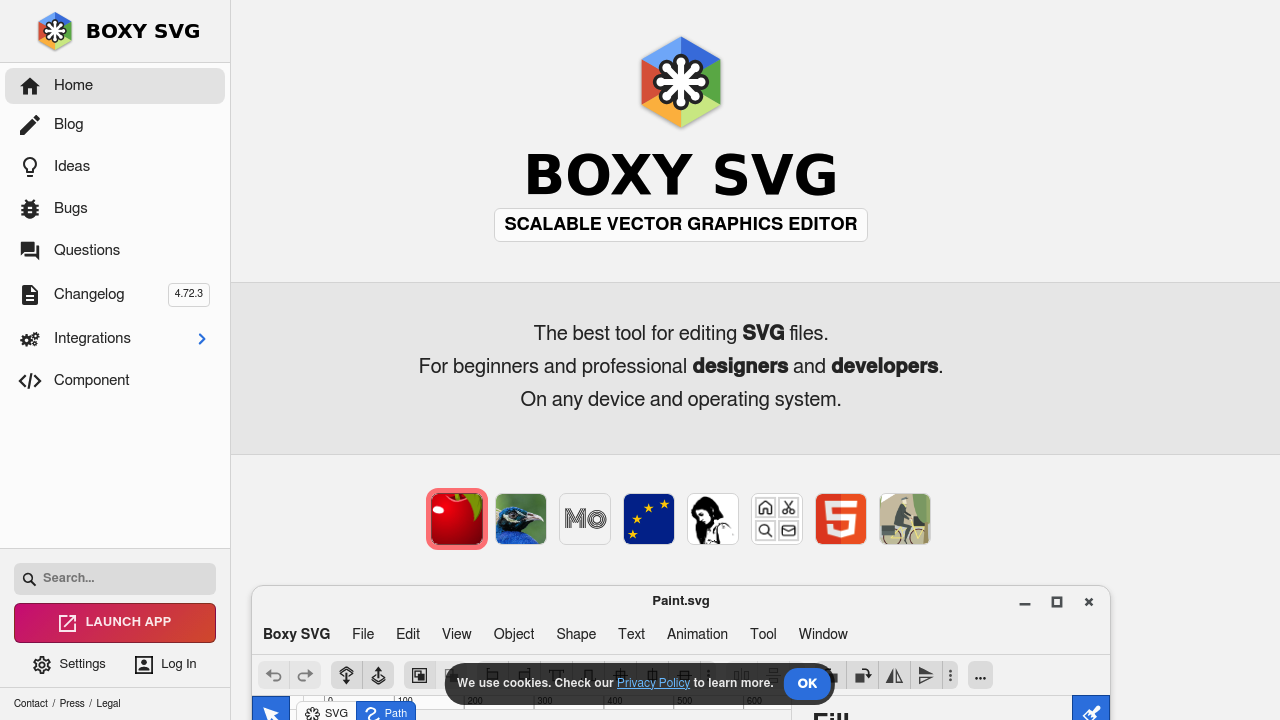
Boxy SVG: The Streamlined SVG Editor for Clean, Efficient Vector Design
In the landscape of vector graphics editors, Boxy SVG stands out for its focused approach to SVG creation and editing. With a clean interface and thoughtful feature set, it offers a specialized alternative to Adobe Illustrator for designers who work primarily with SVG files.
Streamlined SVG Creation and Editing
Boxy SVG provides a carefully curated set of tools optimized for SVG workflow:
- Clean Interface: Minimal, modern UI that puts SVG editing front and center
- Standard Vector Tools: All essential shape, pen, and text tools
- Path Operations: Unite, intersect, exclude, and subtract paths
- Precise Control: Grid, guides, and snap functionality for accurate design
- Color Management: RGB, HSL, and hex color selection with opacity control
- Google Fonts Integration: Access to hundreds of web fonts
- SVG Code View: Direct access to edit the underlying SVG code
- Import/Export: Support for SVG, PNG, JPEG, and WebP formats
- Pixabay Integration: Access to royalty-free images directly in the app
Ideal for Web-Focused Vector Design
Boxy SVG is particularly well-suited for:
- Web Icons: Create clean, optimized SVG icons for websites and apps
- UI Elements: Design interface components with code-friendly output
- Logos for Digital Use: Develop scalable logos optimized for web use
- Simple Illustrations: Build vector illustrations with clean SVG output
- SVG Animation Prep: Create SVGs that can be easily animated with CSS or JavaScript
- Technical Diagrams: Develop precise diagrams with clean geometry
Why Choose Boxy SVG?
For many designers, Boxy SVG offers compelling advantages over Adobe Illustrator:
- SVG-First Approach: Designed specifically for working with the SVG format
- Clean Output: Creates optimized SVG code without bloat
- Accessibility: Available as both a web app and Chrome extension
- Affordable: One-time purchase rather than a subscription model
- Focused Workflow: Eliminates distractions with a streamlined interface
- Lower Learning Curve: Easier to master for SVG-specific tasks
Available in Multiple Formats
Boxy SVG provides flexibility in how you access the tool:
- Web App: Use directly in the browser at boxy-svg.com
- Chrome App: Install as a Chrome extension for offline use
- PWA: Install as a Progressive Web App for desktop-like experience
Perfect for the Modern Web Designer
If your work revolves around creating vector graphics for the web, Boxy SVG offers a specialized environment that focuses on what matters most: creating clean, efficient SVG files. It strips away the complexity of general-purpose vector editors to provide a tool perfectly suited to modern web design needs.
With its reasonable one-time price and thoughtful approach to SVG editing, Boxy SVG represents an excellent value for designers who want to move beyond the subscription model while maintaining professional capabilities.
Try Boxy SVG today and experience a refreshingly focused approach to vector design!