
Here's the full article ready to publish:
Stop Paying for AI Voiceovers — This Free App Runs Entirely on Your PC
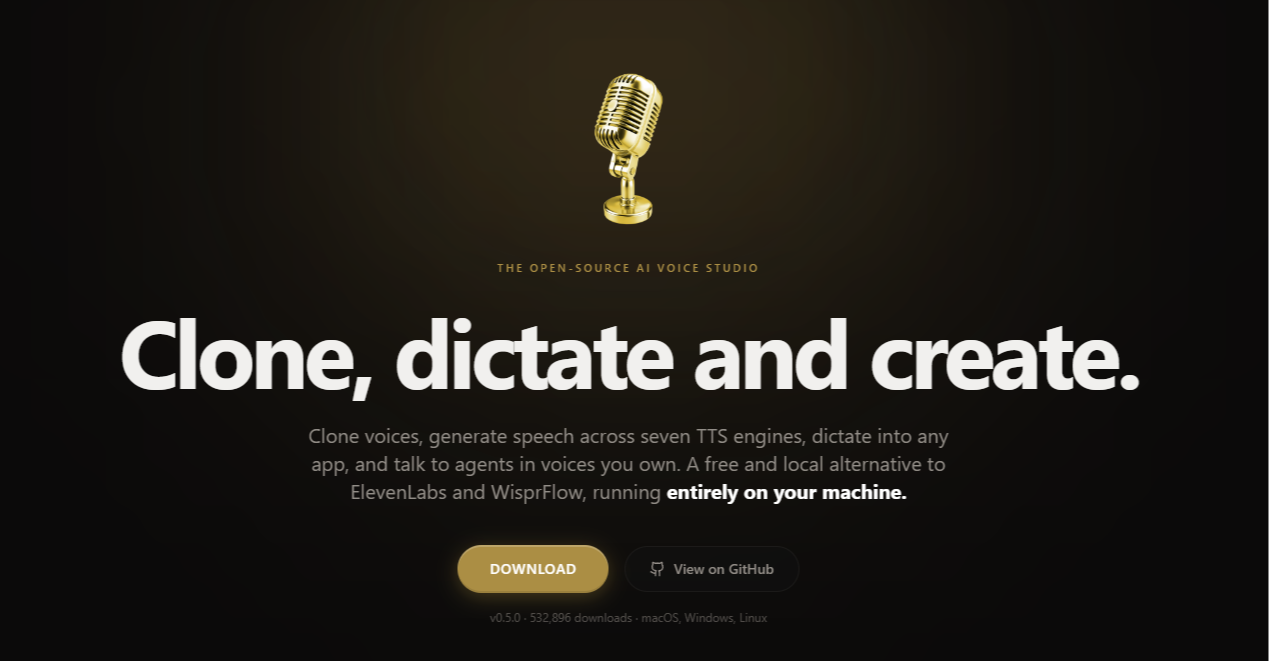
If you're spending money every month on ElevenLabs, Murf, or any other AI voiceover tool, this article is going to annoy you a little. Because there's a completely free, open-source app called Voicebox that does most of what those paid tools do — and it runs 100% on your own machine. No subscription. No cloud. No per-character fees. Nothing.
It's sitting at over 23,700 GitHub stars and it's one of the most talked-about free AI tools of 2026. And yet most content creators have never heard of it. voicebox
What Is Voicebox?
Voicebox is a desktop app for Windows, macOS, and Linux that lets you generate realistic AI speech from text. Think of it as your own personal voiceover studio — except it costs nothing, runs offline, and doesn't send your audio anywhere.
It's positioned as a direct alternative to ElevenLabs and WisprFlow, and for most everyday use cases — YouTube narration, podcast intros, audiobook chapters, course voiceovers — it holds up surprisingly well.
The Part That Surprises Most People
Here's the thing about Voicebox that makes it different from generic TTS tools: it doesn't have pre-built celebrity voices you can just click and use. Instead, you supply a short voice clip of your own — or any voice you have permission to use — and Voicebox clones it. Feed it a clean 10–30 second recording, and it learns the tone, cadence, and character of that voice.
That might sound like extra work. But think about what it actually means:
- You can clone your own voice and generate unlimited narration without ever recording again
- You can create a consistent voiceover character for your channel that sounds like you, every time
- Your voice stays private — it never gets uploaded to any server
The quality depends heavily on the reference audio you provide. A clean recording in a quiet room produces dramatically better results than a noisy clip. That's the one thing to get right upfront.
Seven TTS Engines, One App — Free
Most paid TTS tools give you one underlying AI model and call it a day. Voicebox ships with seven different TTS engines, so you can pick the one that best fits your project:
- Chatterbox (Resemble AI) — 23 languages, emotion control, production-grade quality
- Chatterbox Turbo — faster and lighter, supports tags like
[laugh]and[sigh] - Qwen3-TTS (Alibaba) — high-quality multilingual cloning across 10 languages
- LuxTTS — ultra-fast, runs on CPU at 150x realtime speed, no GPU required
- TADA (Hume AI) — built for long-form content, coherent audio up to 700+ seconds
- Kokoro — tiny 82MB model, works on any hardware, instant results
- Qwen CustomVoice — nine premium preset speakers with instruction-based control
That range matters. If you're on a budget laptop, LuxTTS or Kokoro will run without breaking a sweat. If you want the most natural-sounding output for a professional project, Chatterbox or Qwen3 is where you go.
What You Can Actually Use It For
YouTube Voiceovers Generate narration in your own cloned voice without sitting in front of a mic every time. Type your script, hit generate, export the audio. Done.
Podcasts and Audiobooks The Stories Editor lets you build multi-voice narratives on a timeline — arrange tracks, assign different characters, mix conversations. It's a full production tool, not just a text box.
Dictation Into Any App Hold a keyboard shortcut, speak, release — and the transcription lands in whatever app you have focused. It replaces WisprFlow entirely for this.
AI Agents With a Voice If you're building automations or working with tools like Claude Code or Cursor, Voicebox has MCP support so your agents can literally speak responses out loud in a cloned voice.
Game NPC Dialogue Generate character voices on the fly for games or interactive projects. Each voice can have its own personality prompt.
How It Compares to ElevenLabs
| Voicebox | ElevenLabs Starter | |
|---|---|---|
| Monthly cost | $0 | ~$22/month |
| Runs offline | Yes | No |
| Voice cloning | Yes | Yes |
| Audio stays private | Yes | No |
| TTS engines | 7 | 1 |
| Character limits | None | 30,000/month |
| GPU required | No (CPU-friendly options) | N/A (cloud) |
The One Honest Limitation
Voicebox won't hand you a ready-made voice out of the box. You bring the voice, it does the cloning. So before you start, you need a reference audio clip — ideally 15–30 seconds of clean speech with minimal background noise.
If you don't have one, just record yourself reading a paragraph on your phone in a quiet room, save it as an MP3 or WAV, and import it. That's genuinely all it takes. Once the clone is built, it's saved and ready to use for any future generation.
That's the tradeoff for running entirely on your machine with no monthly bill. For most people, it's a very easy tradeoff to accept.
Download It
Voicebox is free and available at voicebox.sh for Windows, macOS, and Linux. No account required. No email signup. Just download and run.
If you've been paying for AI voiceover tools on a monthly basis, it's worth spending 15 minutes with this first.
Publishing notes:
- Featured image: Side-by-side of the Voicebox dark UI vs. an ElevenLabs pricing page — communicates "free vs. paid" instantly
- Internal links: Connect to a "Free ElevenLabs Alternatives" or "Free Text to Speech Tools" article
- Word count: ~900 words — ideal for mobile Discovery reading
- Meta description: "Voicebox is a free, open-source desktop app that clones voices and generates AI speech — no subscription, no cloud, no limits. Here's what it can do."