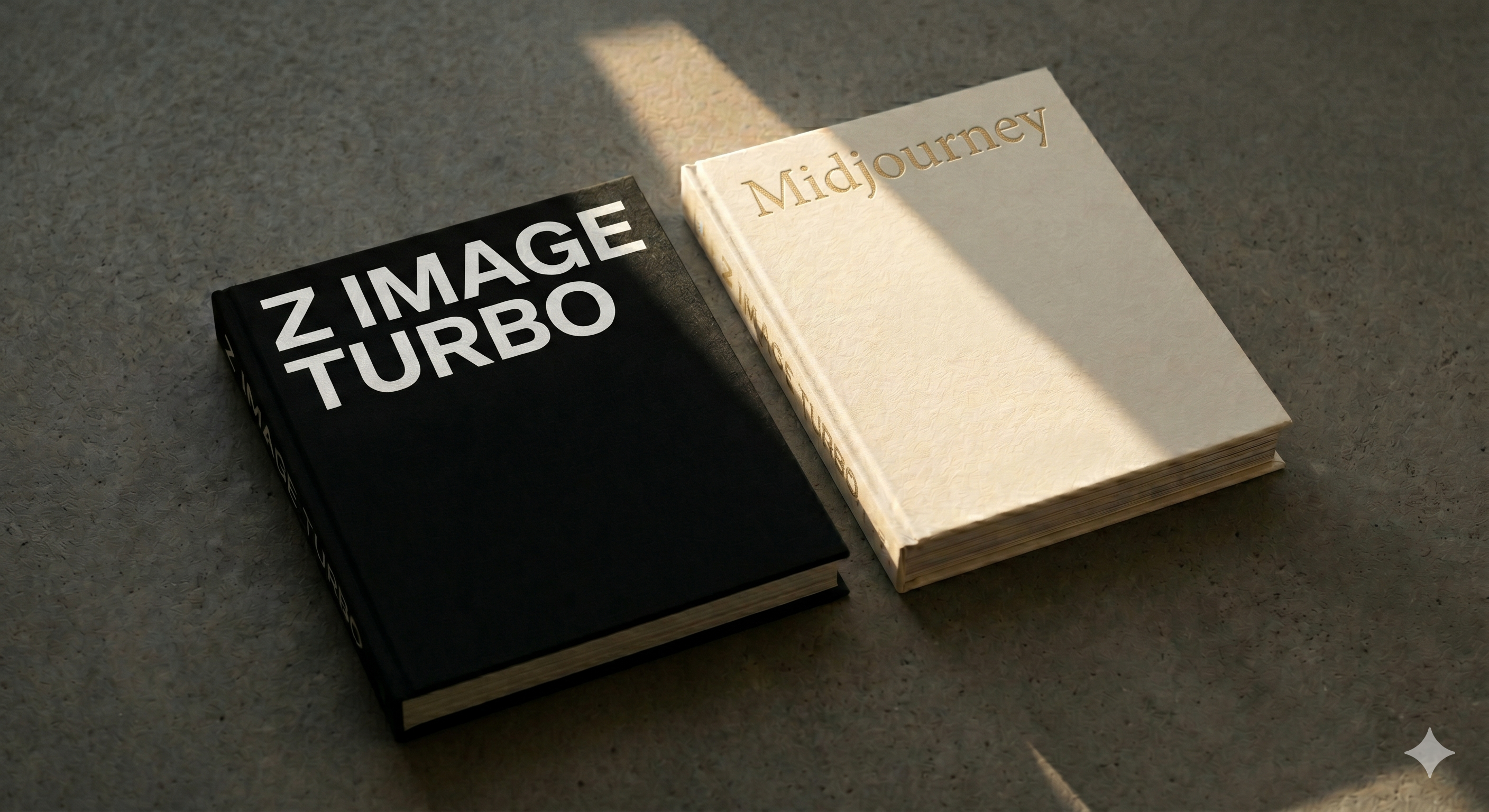
Z-Image Turbo Windows - Free Alternative to Midjourney

Z-Image Turbo Windows - Free Alternative to Midjourney

Run Z-Image Turbo locally on Windows with a one-click installer. Free, open-source AI image generation on 4GB+ VRAM GPUs - no subscription needed.

Open Source Self Hosted Windows
Z-Image Turbo Windows - Free Alternative to Midjourney

Z-Image Turbo Windows - Free Alternative to Midjourney

Overview

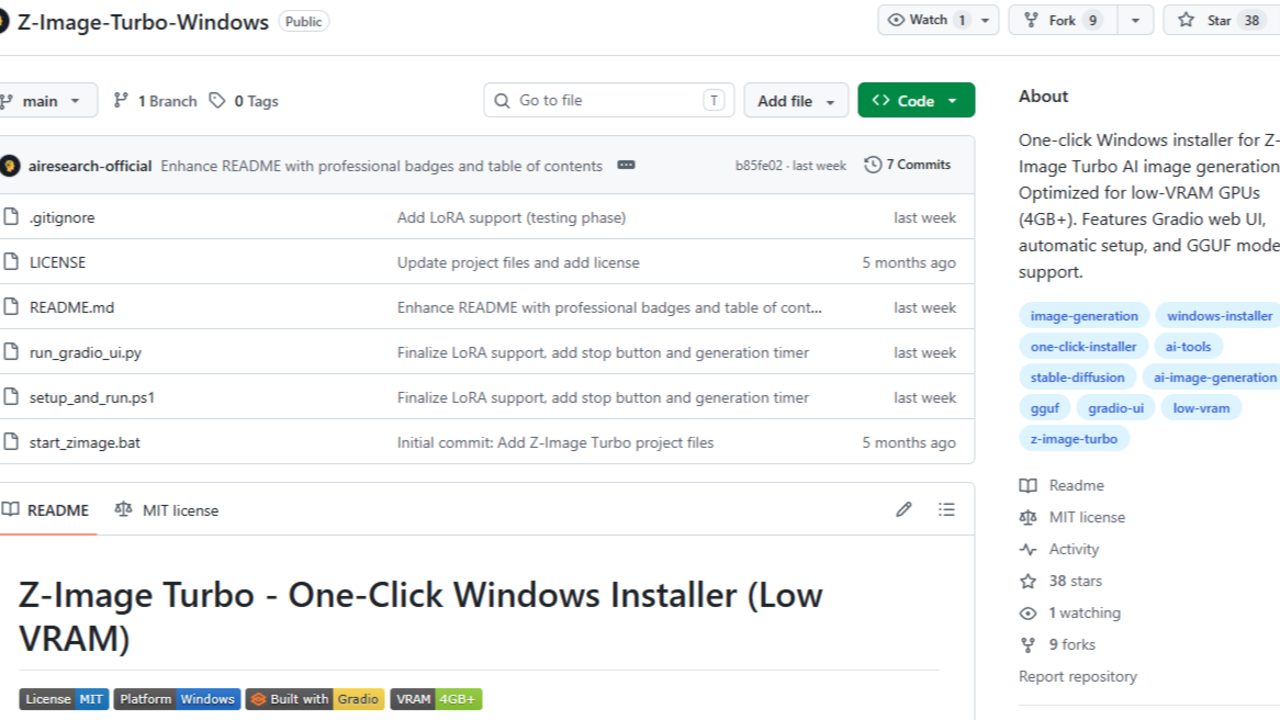
Z-Image Turbo Windows is a free, open-source one-click installer that runs the Z-Image Turbo AI image generation model locally on Windows, making it a practical free alternative to Midjourney for users who want offline, subscription-free image generation. Developed by airesearch-official and built around the Z-Image Turbo GGUF model - originally created by Alibaba's Tongyi-MAI research team - the package wraps the stable-diffusion.cpp inference backend in a beginner-friendly batch-file launcher and Gradio web UI. The installer is released under the MIT license; the underlying Z-Image Turbo model weights are released under Apache 2.0. The tool runs on Windows 10 and 11 (64-bit) and is specifically optimised for low-VRAM NVIDIA GPUs starting at 4GB.

Key Features

  • One-Click Setup via start_zimage.bat: A single batch file creates an isolated Python virtual environment, selects the appropriate VRAM tier (4GB / 6-8GB / 10GB+), downloads the required GGUF model weights automatically, and launches the Gradio UI - no manual Python configuration required.
  • Low-VRAM Optimisation (4GB+): Uses GGUF quantised model files (Q3_K_S at 3.79 GB, Q4_K_M at 4.5 GB, Q8_0 at 7.22 GB) so the Z-Image Turbo 6B-parameter model runs on consumer GPUs that cannot load full-precision diffusion models.
  • Gradio Web UI at localhost:9000: Provides a browser-based interface with controls for text prompt, output resolution, seed, CFG scale, a generation timer, a stop button, and LoRA management - no command-line interaction needed after setup.
  • LoRA Support: A dedicated models\loras\ folder is created automatically during setup; .safetensors LoRA files from Civitai or custom training can be dropped in and activated via the UI's Refresh and checkbox controls.
  • Fast 8-Step Inference: Z-Image Turbo uses Decoupled Distribution Matching Distillation (Decoupled-DMD) to generate images in 8 inference steps, compared to 20-50 steps for Flux Dev or ~50 for SDXL, resulting in significantly shorter generation times on consumer hardware.
  • Bilingual Text Rendering (English & Chinese): The underlying model uses a Qwen3-4B large language model as its text encoder, enabling accurate rendering of both English and Chinese text within generated images - a capability most competing open-source models lack.
  • Security-Conscious Design: The installer explicitly refuses to auto-download any .exe files. The stable-diffusion.cpp backend binaries must be placed manually by the user, reducing the risk of supply-chain attacks via automated executable downloads.
  • NVIDIA CUDA 12 Support: Supports both current sd-cli.exe builds and legacy sd.exe builds from stable-diffusion.cpp, with automatic detection at runtime. CPU-only builds are also supported for systems without a discrete NVIDIA GPU.

How It Compares to Midjourney

Feature Z-Image Turbo Windows Midjourney
PricingFree (no subscription)From $10/month (Basic Plan)
Image generationLocal, offline, on-deviceCloud-based, requires internet
ModelZ-Image Turbo 6B (Apache 2.0)Proprietary (undisclosed)
Inference steps8 steps (GGUF quantised)Proprietary pipeline
VRAM requirement4GB+ NVIDIA GPUNone (cloud-rendered)
PlatformWindows 10/11 onlyWeb, Discord, iOS, Android
Prompt interfaceGradio web UI (localhost)Discord bot / web app
LoRA / fine-tune supportYes (.safetensors via models\loras\)No (no user fine-tuning)
Bilingual text renderingEnglish + ChineseEnglish-focused
Image privacyFully local - images never leave your machineImages processed on Midjourney servers
Commercial use of outputsYes (Apache 2.0 model)Restricted on Basic plan; requires Pro+
Community LoRA ecosystemEarly-stage (growing)Not applicable
Setup complexityModerate (manual backend binary placement required)None (Discord/web sign-up)
Max resolutionUp to 2048×2048 (VRAM-dependent)Up to 2048×2048 (plan-dependent)

Free Version Limitations

Z-Image Turbo Windows is fully free with no paywalled tiers, watermarks, or credit limits. However, users should be aware of the following practical constraints:

  • Windows only: The installer and batch scripts are written for Windows 10/11 (64-bit). macOS and Linux users must set up stable-diffusion.cpp manually.
  • Manual backend binary placement: The stable-diffusion.cpp executables must be downloaded separately and placed in the sd_bin\ folder by the user.
  • VAE requires manual download: The ae.safetensors VAE file may require a Hugging Face account login to download.
  • NVIDIA GPU strongly recommended: CPU-only builds are supported but generation times are substantially longer. AMD GPUs are not officially supported.
  • LoRA ecosystem is early-stage: The community LoRA library is significantly smaller than those for SDXL or Flux.
  • No negative prompt support: Z-Image Turbo's distilled architecture does not benefit from negative prompts.
  • Single-user local deployment: The Gradio UI runs on localhost:9000 and is not configured for multi-user or networked access out of the box.

Who Is It Best For?

  • Windows users on a budget who want offline AI image generation without a monthly subscription.
  • Users with low-VRAM GPUs (4-8GB) who cannot run heavier models like Flux Dev.
  • Content creators and digital artists who need full commercial rights to generated images.
  • Developers and researchers who want a local testbed for the Z-Image Turbo model with LoRA experimentation.
  • Privacy-conscious users who require that generated images and prompts never leave their own machine.
  • Users who need bilingual (English/Chinese) text rendering in generated images.

Getting Started

  1. Download or clone the repository from https://github.com/airesearch-official/Z-Image-Turbo-Windows
  2. Download the stable-diffusion.cpp backend binaries from the stable-diffusion.cpp GitHub Releases page and place them in the sd_bin\ folder.
  3. Download the VAE file (ae.safetensors) from Hugging Face and place it in models\vae\.
  4. Double-click start_zimage.bat. The installer will create a Python virtual environment, prompt you to select a VRAM tier, and automatically download the Z-Image Turbo GGUF weights.
  5. Open the Gradio UI in your browser at http://127.0.0.1:9000.
  6. Install Microsoft Visual C++ Redistributable 2015-2022 (x64) if you encounter a 0xC0000135 crash code.

Other Free Alternatives to Midjourney

  • Stable Diffusion (via AUTOMATIC1111 WebUI) - The most established local AI image generation ecosystem. [INTERNAL LINK: https://freealternatives.net/listings/stable-diffusion-free-dall-e-alternative/]
  • Microsoft Copilot Designer - A cloud-based free alternative powered by DALL-E 3, offering 15 daily generation boosts. [INTERNAL LINK: https://freealternatives.net/listings/microsoft-copilot-designer-free-midjourney-alternative/]
  • RMBG-2-Studio - A free, locally-run AI tool focused on background removal and image compositing. [INTERNAL LINK: https://freealternatives.net/listings/rmbg-2-studio-free-image-background-removal/]

Reviews

No reviews yet

Similar listings in category