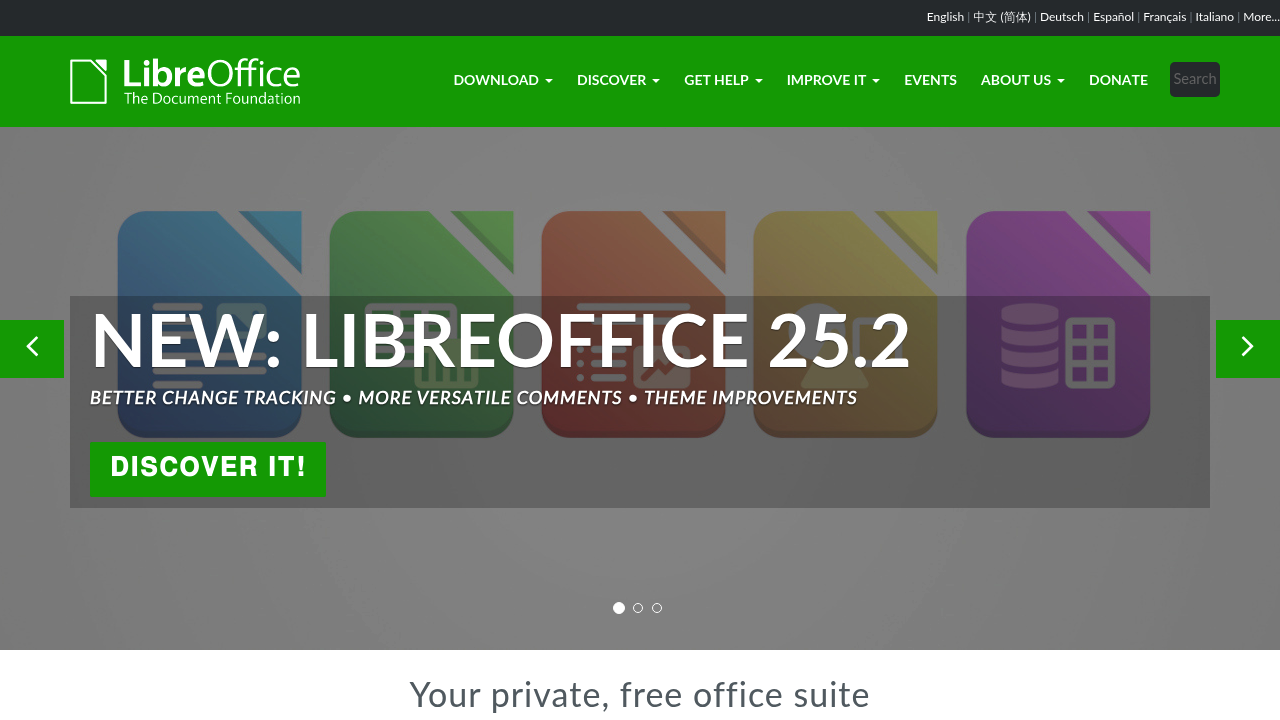
LibreOffice: The Leading Free Open-Source Microsoft Office Alternative
Introduction
LibreOffice stands as the premier free and open-source office suite, offering a comprehensive alternative to Microsoft Office without the hefty subscription fees. Developed by The Document Foundation, this powerful productivity suite has garnered over 350 million downloads worldwide, making it one of the most trusted Microsoft Office alternatives available today.
What is LibreOffice?
LibreOffice is a complete office suite that includes six main applications: Writer (word processing), Calc (spreadsheets), Impress (presentations), Draw (vector graphics), Base (databases), and Math (formula editing). Originally forked from OpenOffice in 2010, LibreOffice has evolved into a mature, feature-rich platform that rivals commercial office suites in functionality while remaining completely free.
Key Features and Capabilities
Writer - Word Processing Excellence
LibreOffice Writer offers advanced word processing capabilities with support for complex document formatting, styles, and templates. Features include:
- Advanced typography and layout options
- Mail merge functionality
- Track changes and collaborative editing
- Export to PDF, HTML, and various formats
- Extensive template library
Calc - Powerful Spreadsheet Analysis
The Calc component provides robust spreadsheet functionality with:
- Over 300 built-in functions
- Pivot tables and data analysis tools
- Advanced charting capabilities
- Macro support with LibreOffice Basic
- Support for large datasets
Impress - Professional Presentations
Create stunning presentations with:
- Rich animation and transition effects
- Master slides and templates
- Export to various formats including PDF
- Presenter console with notes
- 3D effects and multimedia support
Microsoft Office Compatibility
One of LibreOffice's strongest advantages is its excellent compatibility with Microsoft Office formats. The suite can seamlessly open, edit, and save documents in .docx, .xlsx, and .pptx formats, ensuring smooth collaboration with Microsoft Office users. While some advanced formatting may occasionally need adjustment, the compatibility is remarkably high for day-to-day use.
Advantages Over Microsoft Office
Cost Effectiveness
LibreOffice is completely free for personal and commercial use, eliminating the need for expensive Office 365 subscriptions or one-time purchases that can cost hundreds of dollars.
Open Source Transparency
Being open-source means the code is auditable, secure, and continuously improved by a global community of developers. Users aren't locked into proprietary formats or vendor decisions.
Cross-Platform Support
LibreOffice runs natively on Windows, macOS, and Linux, providing consistent functionality across all major operating systems.
Privacy and Data Control
Unlike cloud-based alternatives, LibreOffice keeps your documents on your local machine by default, giving you complete control over your data privacy.
Potential Limitations
While LibreOffice excels in many areas, users should be aware of some limitations:
- The user interface may feel dated compared to modern Microsoft Office
- Some advanced Microsoft Office features may not be available
- Collaboration features are less sophisticated than Office 365
- Large document performance can be slower than Microsoft Office
Use Cases and Target Audience
LibreOffice is ideal for:
- Students and educators seeking free, full-featured office software
- Small businesses looking to reduce software costs
- Government organizations requiring open-source solutions
- Privacy-conscious users who prefer local document storage
- Linux users needing native office software
Installation and System Requirements
LibreOffice has modest system requirements and runs on:
- Windows 10 or later
- macOS 10.12 or later
- Various Linux distributions
- Minimum 2GB RAM and 3GB free disk space
Conclusion
LibreOffice represents an outstanding free alternative to Microsoft Office, offering comprehensive functionality, excellent file compatibility, and the freedom of open-source software. While it may not match every advanced feature of Microsoft Office, it provides more than adequate capabilities for the vast majority of users, making it an excellent choice for anyone seeking to escape subscription-based office software without sacrificing productivity.