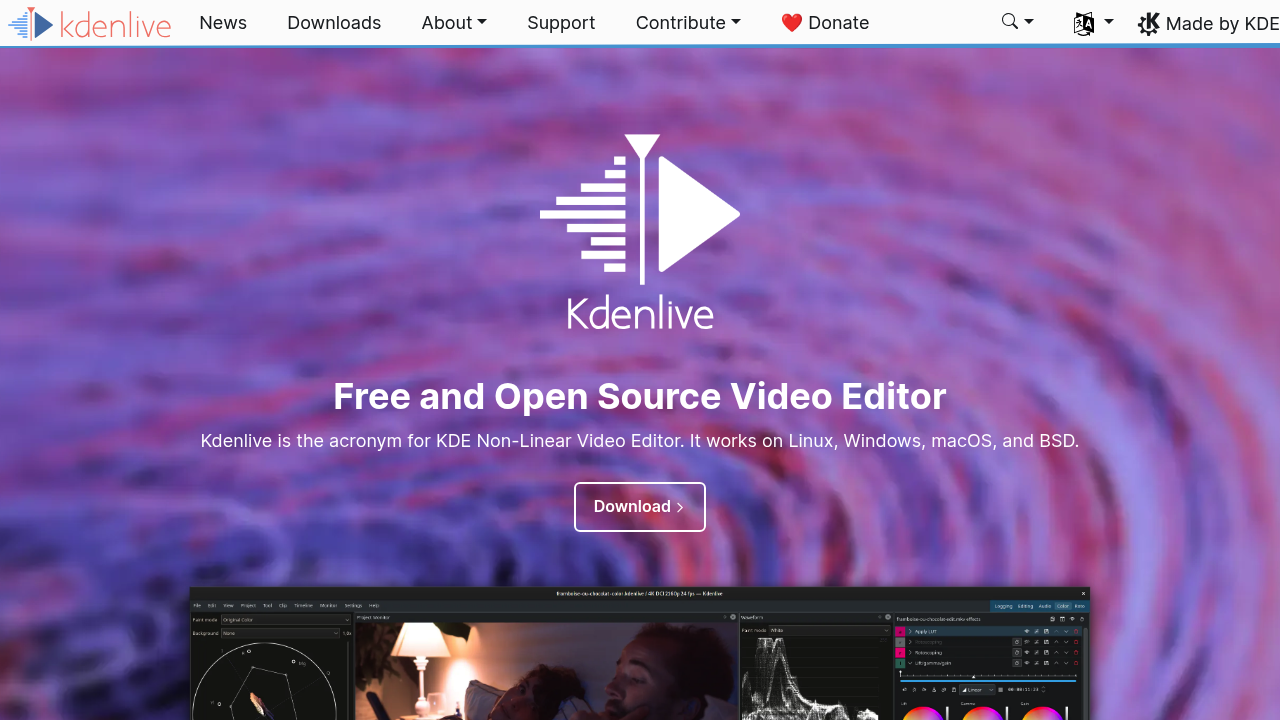
Kdenlive: Professional Open-Source Video Editor
Kdenlive is an acronym for KDE Non-Linear Video Editor, a free software (GPL licensed) primarily aimed at the Linux platform that also works on BSD, Windows, and macOS[26]. Built on portable components including Qt and MLT framework, Kdenlive has evolved into a comprehensive video editing solution that rivals commercial alternatives[26].
Comprehensive Video Editing Features
Multi-Track Timeline Editing
Kdenlive provides multitrack editing with a timeline and virtually unlimited number of video and audio tracks[26]. The software enables splitting audio and video from clips into multiple tracks, supporting complex editing workflows essential for professional video production. The flexible track system accommodates projects of any complexity while maintaining intuitive operation.
Advanced Editing Tools
The software includes 3-point editing capabilities and non-blocking rendering, allowing users to continue working on projects while videos are being processed in the background[26]. Kdenlive provides dozens of effects and transitions that can be easily applied and saved as custom effects with settings for reuse in other projects.
Keyframe Animation System
Kdenlive supports keyframeable effects with linear or smooth curves, enabling precise control over effect parameters over time[26]. This professional feature allows for sophisticated motion graphics, complex transitions, and dynamic visual effects that meet broadcast and film production standards.
Professional Workflow Capabilities
Proxy Editing Support
The software provides proxy editing capabilities for 4K+ footage, ensuring smooth editing performance even with high-resolution source material[26]. This feature enables efficient workflows with demanding footage while maintaining full resolution for final output, essential for modern video production requirements.
Audio and Video Scopes
Kdenlive includes professional audio and video scopes for technical monitoring and quality control[26]. These tools provide essential feedback for color correction, audio levels, and technical compliance required in professional video production environments.
Format and Codec Support
Through the MLT framework, Kdenlive integrates comprehensive format support without requiring footage conversion prior to editing[26]. The software handles any format smoothly, supporting low resolution DV camera files, high-definition formats, and specialized camera formats used in professional production.
Advanced Creative Tools
AI-Supported Features
Kdenlive includes AI-supported conversion features introduced in version 23.04, demonstrating the software's commitment to modern workflow technologies[26]. These intelligent features streamline repetitive tasks and enhance editing efficiency for contemporary video production needs.
Animation and Motion Graphics
The software provides vector animation support through Glaxnimate integration introduced in version 22.08[26]. This capability enables sophisticated motion graphics creation within the editing environment, eliminating the need for separate animation software in many production scenarios.
Automatic Slideshow Creation
Kdenlive can automatically create slideshows from picture directories with crossfade transitions among images[26]. This feature accelerates multimedia production and provides professional presentation capabilities for various content types.
User Experience and Customization
Configurable Interface
The software offers configurable keyboard shortcuts, toolbars, and interface layouts to accommodate different workflow preferences[26]. Users can create personalized editing environments that match their specific requirements and maximize productivity for different project types.
Themable Interface Design
Kdenlive supports themable interfaces including dark themes for comfortable editing in various lighting conditions[26]. The modern interface design reduces eye strain during extended editing sessions while providing professional visual presentation.
Simple Creative Tools
The software provides simple tools for easy creation of color clips, text clips, and image clips[26]. These streamlined creation tools enable rapid content generation and efficient workflow management for common video editing tasks.
Cross-Platform Excellence
Multi-Platform Support
While primarily designed for Linux, Kdenlive works effectively on BSD systems and provides Windows versions with some limitations[26]. macOS ports are also available, ensuring accessibility across different computing environments used in professional video production.
MLT Framework Integration
Through the MLT framework, Kdenlive integrates many effects for video and audio processing and creation[26]. This foundation provides robust multimedia handling capabilities and ensures compatibility with industry-standard formats and codecs.
Community Development
As open-source software, Kdenlive benefits from continuous community development and improvement[26]. The active development community ensures ongoing feature additions, bug fixes, and compatibility updates that keep the software current with industry needs.
Professional Applications
Complete Studio Capabilities
Kdenlive can be used as a complete studio for video creation, providing comprehensive tools for editing, effects, audio processing, and output[26]. The integrated approach eliminates the need for multiple software packages while maintaining professional quality standards.
Educational and Training Use
The software serves educational institutions and individual learners seeking comprehensive video editing education[26]. Kdenlive's feature set and community resources provide excellent learning opportunities for developing practical video editing skills.
Commercial Production
Professional video producers use Kdenlive for commercial projects, taking advantage of its comprehensive feature set and reliable performance[26]. The software's capabilities support various commercial applications while eliminating licensing costs and subscription dependencies.
Performance and Technical Features
Efficient Resource Management
Kdenlive is designed to run efficiently while providing professional-level capabilities[26]. The software balances comprehensive functionality with reasonable system requirements, making professional video editing accessible on various hardware configurations.
Non-Blocking Rendering
The non-blocking rendering feature allows continuous work on projects while background processing occurs[26]. This efficiency improvement maintains productivity during time-intensive rendering operations, essential for professional deadline management.
Professional Output Standards
Kdenlive maintains professional output quality standards suitable for broadcast and commercial distribution[26]. The software ensures technical compliance and quality consistency required for professional video production and distribution.
Kdenlive demonstrates that open-source software can deliver comprehensive professional capabilities, providing users with a complete video editing solution that rivals expensive commercial alternatives while maintaining the flexibility and community support inherent in open-source development.