
Figma
Powerful collaborative design platform with robust vector editing tools. Free Starter plan available with up to 3 design files and real-time collaboration features.
A no-cost, in-browser alternative to subscription mockup apps: compose App Store screenshot panoramas for iPhone and iPad releases.
Most App Store screenshot tools charge a monthly fee before you can export anything useful. AppScreen takes a different route: the whole editor lives in a browser tab, you can open it and start without registering, and a complete store set costs nothing.
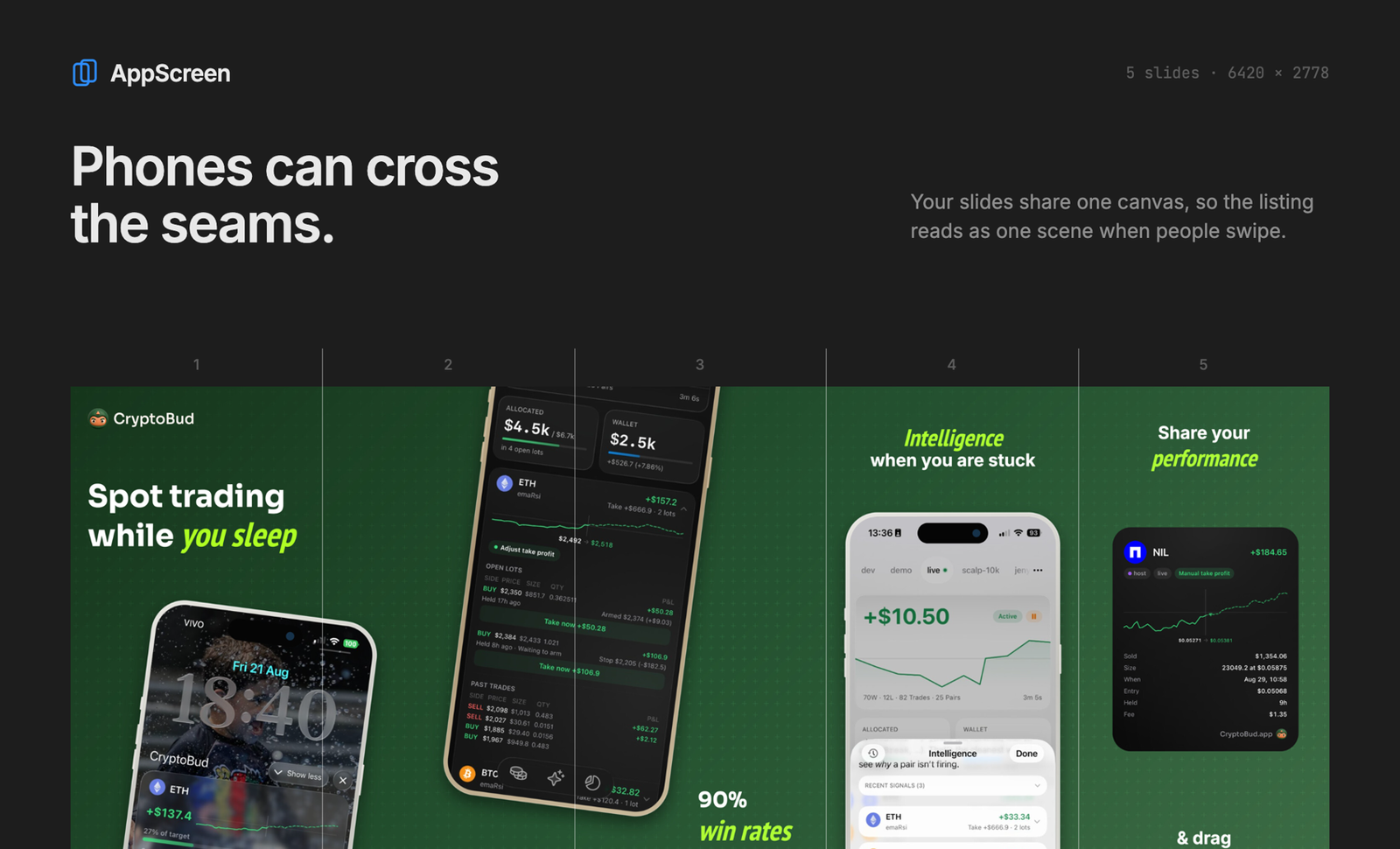
The idea is the panorama. Rather than treating every screenshot as a separate file, you design one long canvas covering the whole set, so a background, a shape or a headline can cross the seam between neighbouring slides. Put your captures inside iPhone device frames, write captions, begin from a preset, and AppScreen cuts the canvas into correctly sized slides for App Store Connect.
If you outgrow the free tier, upgrading to Pro means paying $9 one time, never again. That unlocks an unlimited project count, saving work to a folder on your computer, iPad device frames, exporting patterns, plus an agent/MCP mode that lets a coding assistant operate the editor for you.
Scope: AppScreen targets Apple's App Store on iPhone and iPad only. You do the layout yourself; nothing here is AI-generated imagery. Made by solo developer Stewan Silva (@stewones on X).
Powerful collaborative design platform with robust vector editing tools. Free Starter plan available with up to 3 design files and real-time collaboration features.
Free vector editor by Icons8 with built-in graphics assets. Works offline and supports multiple file formats including Sketch files.